What you get
Drift for mini-turbos
Hold drift as you steer into a corner. Sparks fly from the back wheels, blue first, then orange, then purple. Let go and you shoot out of the bend with a mini-turbo. The longer you held the drift, the longer the boost lasts.
Big Air and other shortcuts
Glowing boost pads give you a burst of speed, and the whoops on the ridge, a row of sharp crests, can throw you into the air. At the end of the ridge, the Big Air ramp launches you across the ravine in one long glide. Hit it with enough speed and you land back on the road, skipping the zig-zag round the ravine.
Raz and friends
Raz is the Razaki Games pangolin. His rivals are critters from Tempo Line: Tempo, Hop, Waddle, Mochi, Kit, Bleep and Boo. The same characters turn up across Razaki Games, and each one has a kart colour and number of their own.
See it race
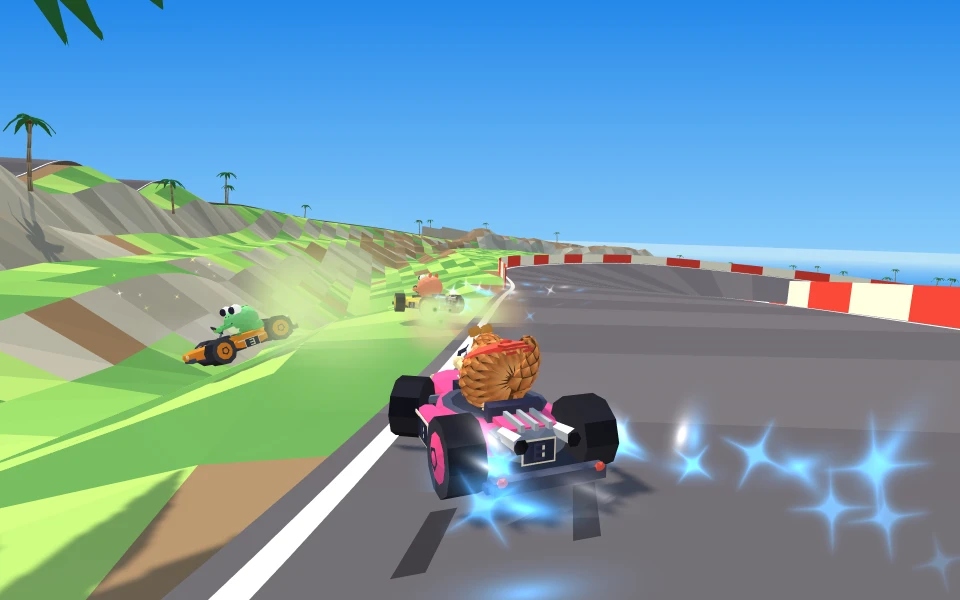
A drift through a corner, with the first blue sparks. 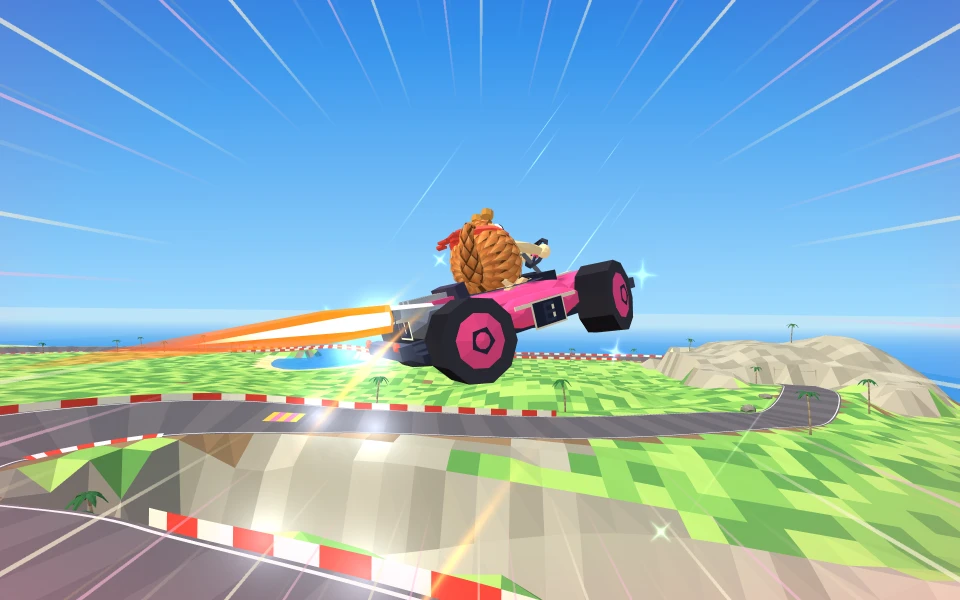
Gliding off the Big Air ramp.
How to play
- Choose Race to take on seven computer racers over three laps, or Time trial to race the clock on your own. Then pick a speed class: Chill, Fast or Furious.
- Accelerate and steer. On a phone or tablet the kart accelerates by itself, so you only steer.
- For a rocket start, press accelerate just as the “2” goes out in the countdown. Hold it down from the start and the engine stalls.
- In a corner, hold drift while you steer. Keep holding until the sparks turn orange, then let go for a mini-turbo.
- Drive over a glowing boost pad for a burst of speed. With a boost on, cutting across the grass does not slow you down.
- Aim for the Big Air ramp on the inside of the corner at the end of the ridge, and hit it fast. Press drift as you leave a ramp or crest for a trick, and a small boost when you land.
Controls
Keyboard
Arrow keys or A and D to steer. Up arrow or W to accelerate, down arrow or S to brake and reverse. Space or Shift to hop and drift. C looks back, Esc or P pauses, and holding R for a second puts you back on the track.
Gamepad
Left stick or D-pad to steer. A or the right trigger to accelerate, B or the left trigger to brake. RB or LB to drift, Y to look back and Start to pause. In the menus, the D-pad or left stick moves, A chooses and B goes back.
Touch
Drag the steering pad on the left to steer. The kart accelerates by itself. Tap Drift to hop and drift, and Brake to slow down or reverse. Left-handed? Settings can swap the sides, and turning auto-accelerate off adds a Go button.
Private by design
Razaki Racers is a single-player game: you race the computer, and nothing you do in it is sent anywhere. Your settings and best times are kept in your browser’s local storage, on your own device. We set no cookies, and the game uses no third-party scripts or fonts. No accounts, no ads, no tracking. Razaki Racers privacy policy · Help and support